Pipeline Reviews
14 videos
Pipeline Reviews Overview
An introduction to Pipeline Reviews — the four views, what they show, and how to access the app.

Layout & Orientation
A quick orientation of the Pipeline Reviews interface — view buttons, header, sidebar, toolbar, and team drill-down.

Navigate Your Team
How to use the team drill-down sidebar to navigate by role, manager, or individual owner.
Using the Toolbar
How to use the Pipeline Reviews toolbar — filters, pipeline period, scope, metrics, flags, and search.

Using Filters
How to use quick filters, advanced filters, related object filters, filter logic, and field-specific options.

Save and Share Views
How to save pipeline configurations, share views with your team, and manage saved views.
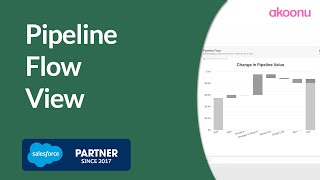
Pipeline Flow
How to use Pipeline Flow to see what changed in your pipeline — new deals, wins, losses, push-outs, and value changes over any time period.
Forecast Flow
How to use Forecast Flow to track how deals move between forecast categories over any time period.
Stage Flow & Committed Deal Flow
How to use Stage Flow to track deal movement between sales stages, and Committed Deal Flow to see what happened to your committed deals.
Flow Trends
How to use Flow Trends to compare pipeline flow patterns across multiple months or quarters and spot emerging patterns.
List View & Groupings
How to use the List View to slice and dice your pipeline — grouping by any field, nesting multiple levels, and using related object fields.
Kanban View
How to use the Kanban View to visually manage deals by stage or forecast category with drag-and-drop updates.

Health View
How to use the Health View bubble chart to spot pipeline risk — outsized deals, coverage gaps, date clustering, and data hygiene issues.
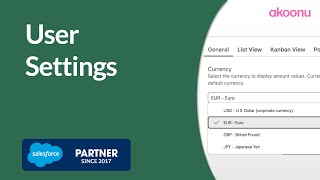
User Settings
How to configure your personal Pipeline Reviews experience — currency, additional fields, grouping behavior, Kanban tiles, and popover fields.